Implementation
From setup to live academy, without guessing.
This page is the implementation flow: guided onboarding, migration path, test mode, review, approval, and a monitored launch.
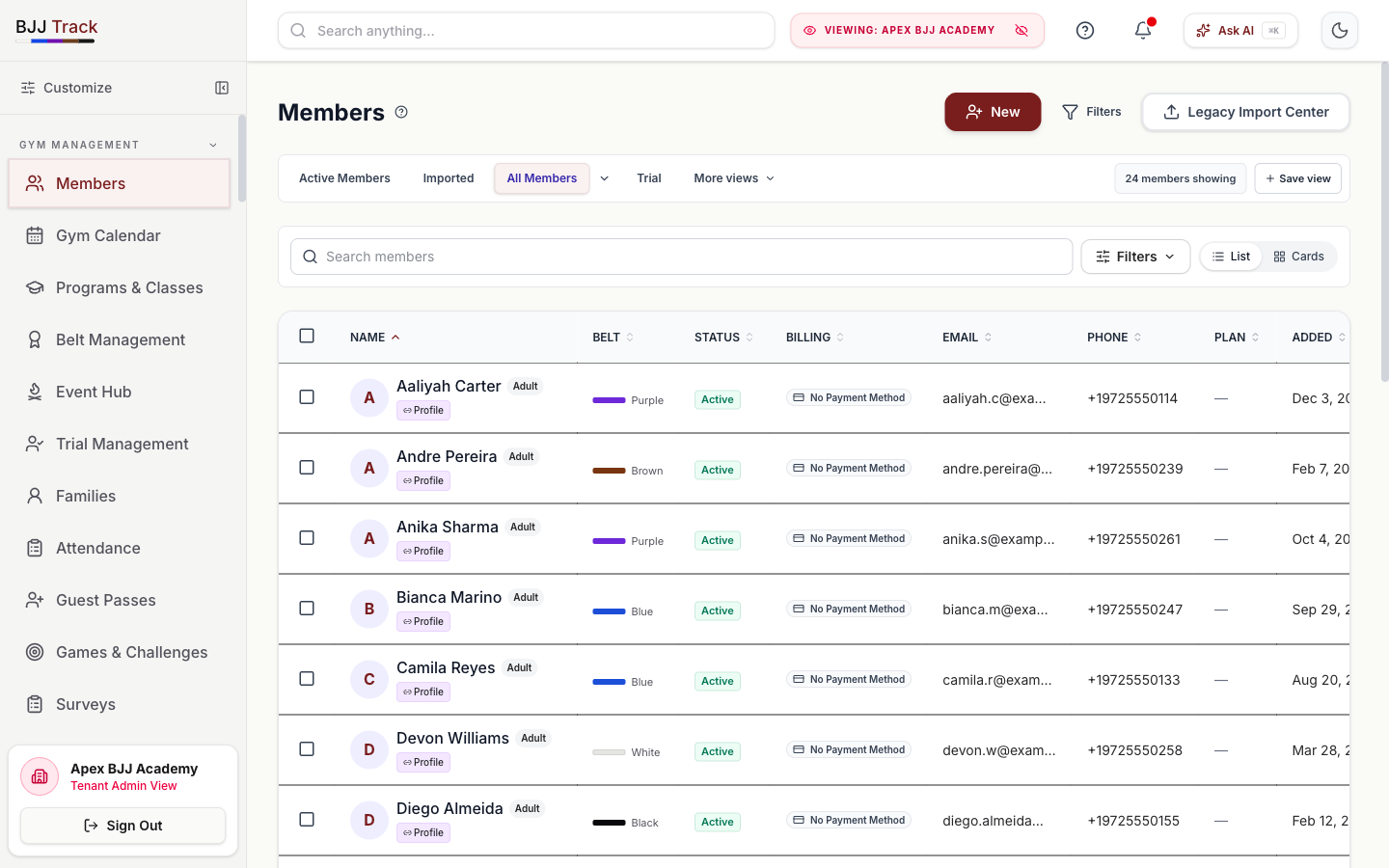
Go-live flow
Five gates before the academy is live.
The flow is intentionally simple, but every gate has a job. Nothing critical moves from test to live without review.
Onboard
Create the academy workspace.
Start with a guided setup for owner access, academy profile, programs, classes, staff roles, and the core billing foundation.
Migrate
Choose the right data path.
Bring over members, families, ranks, tuition plans, waivers, products, and event records with the level of history the academy actually needs.
Test
Run the academy in test mode.
Check trial forms, invoices, kiosk, shop, automations, and message drafts without live charges or accidental sends.
Approve
Review before anything goes live.
Owners and staff review plans, prices, imports, automations, public links, and permission settings before launch.
Launch
Go live with a monitored start.
Switch on live billing, staff workflows, member links, and public forms, then watch the first week for failed payments, no-shows, and setup gaps.
Next step
Choose how you want to evaluate the rollout.
Some owners want to click the demo, some want pricing, and some need to talk through migration before touching anything.
Migration paths
Not every academy starts from the same place.
A clean launch for a new gym is different from moving years of member, billing, and rank data. The implementation path should match the risk.
New academy
Start clean with programs, classes, trial forms, plans, shop items, waiver text, and staff roles.
Existing gym
Import members, families, contact details, ranks, plan assignments, and operational history from spreadsheets or another system.
Billing migration
Map legacy tuition, Stripe test mode, member payment status, proration rules, failed-payment handling, and go-live timing.
Test mode
Test the money, messages, links, and staff flow first.
Stripe test mode for plan, invoice, shop, event, and checkout checks
Public trial, waiver, booking, kiosk, and shop links reviewed before release
Automation drafts checked before live SMS, email, or AI workflows run
Staff roles, permissions, reports, and owner settings verified against real workflows
Review and approve
The owner approves the launch state.
Imported records match the source files
Plans, prices, proration, and billing settings are approved
Automations and message templates have a human review pass
Live launch has a rollback path and owner sign-off
Launch
Go live when the academy is ready, not because the software says so.
Start with the trial tenant, confirm the data and money paths, approve the workflow, then turn on the live academy.